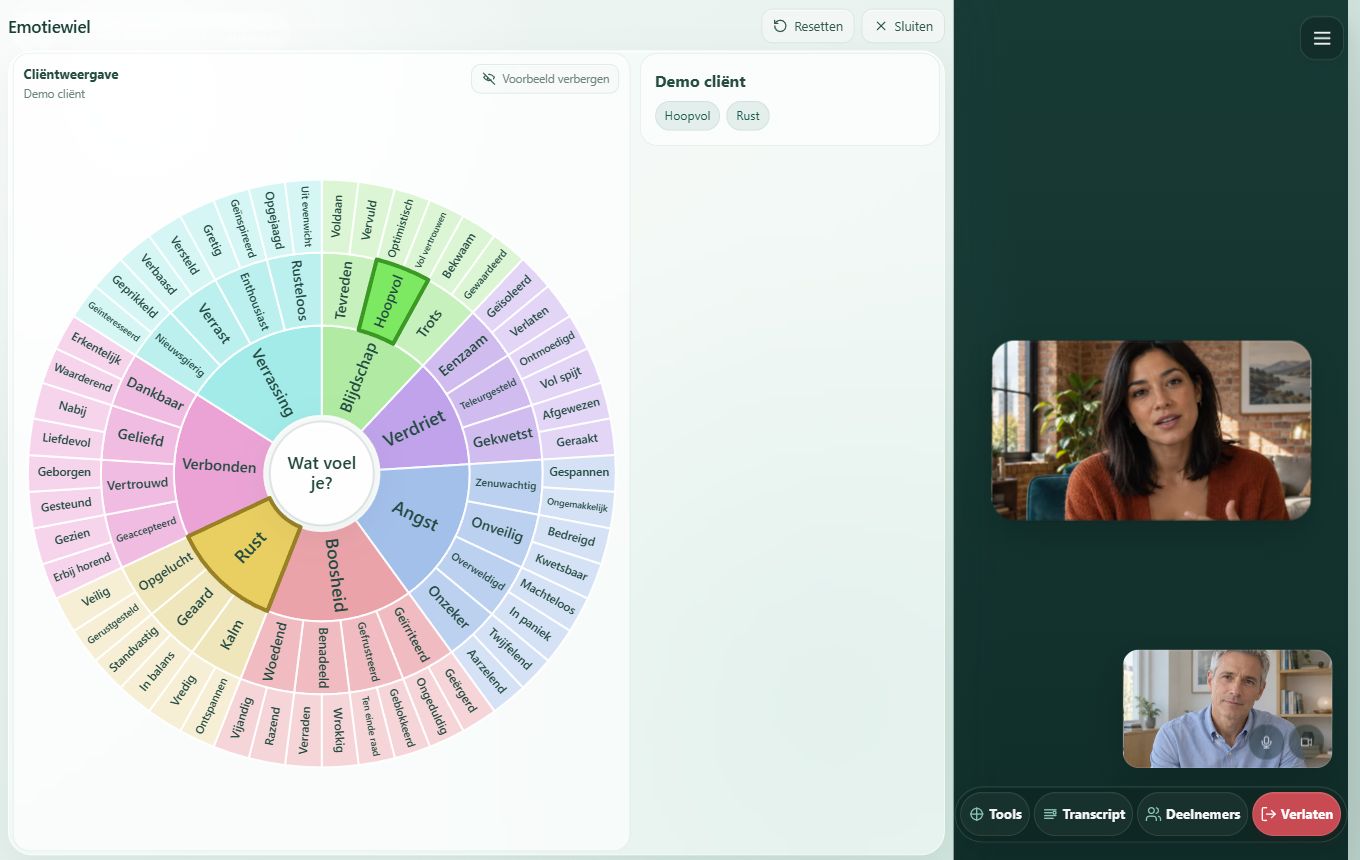
Choose what fits your session
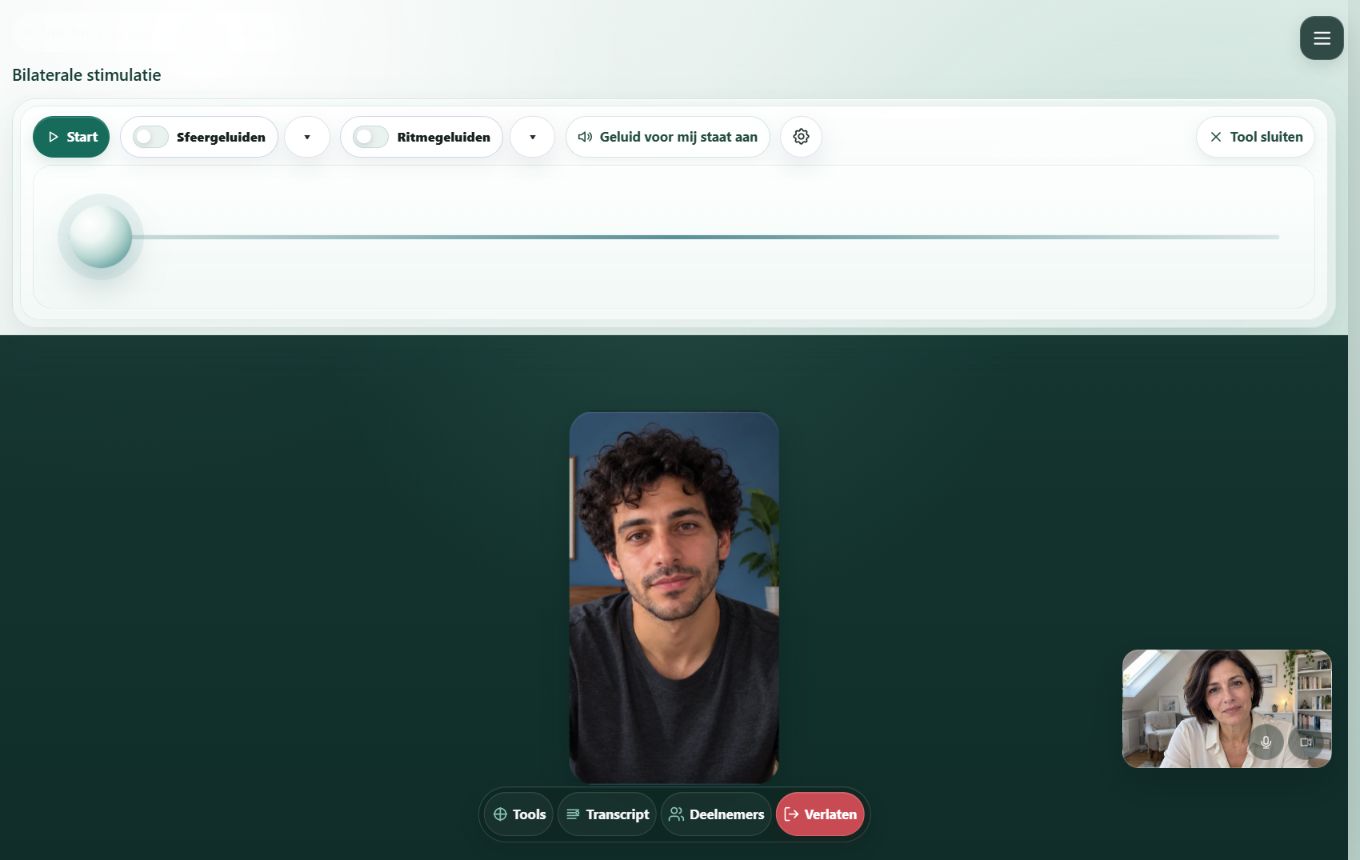
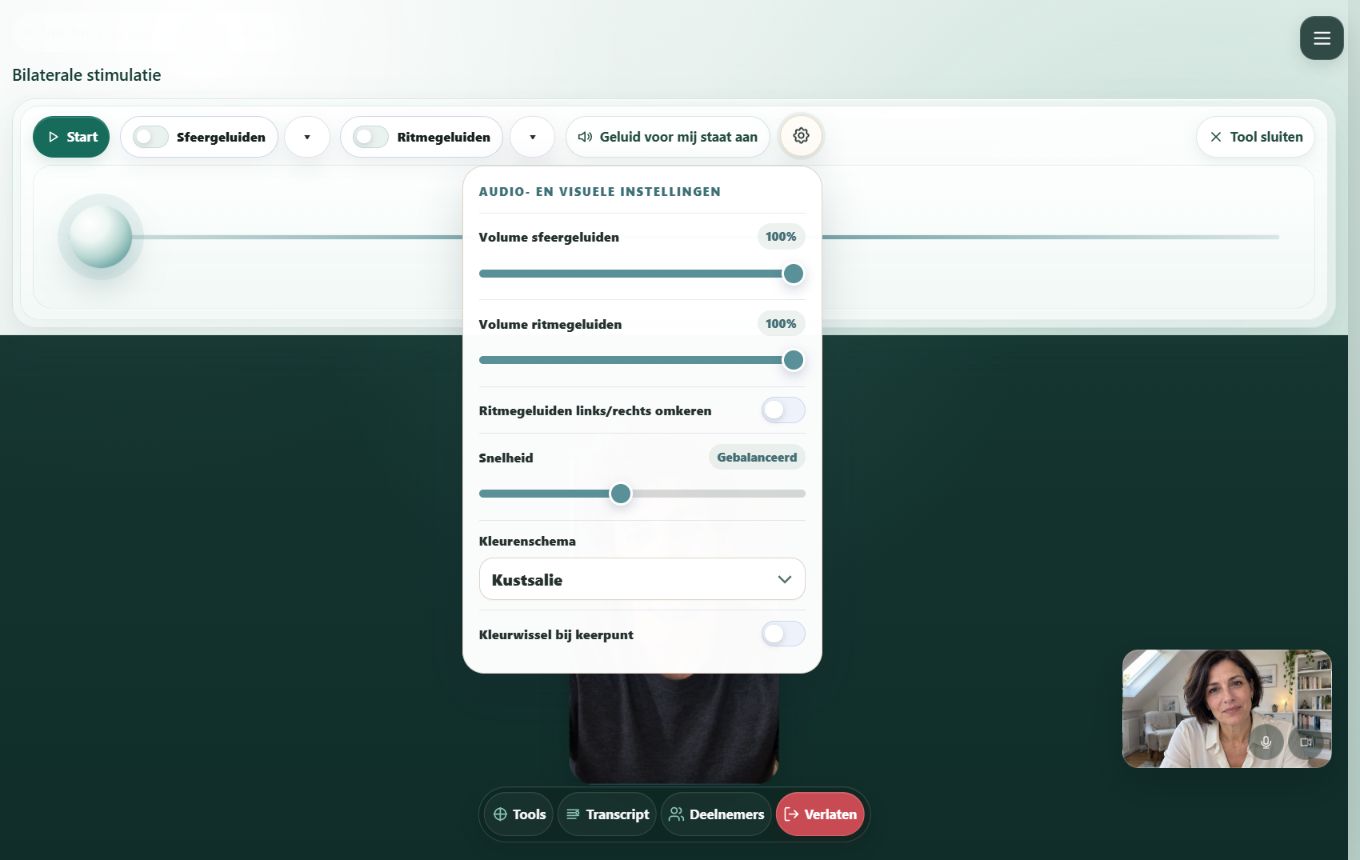
Bilateral stimulation
Bilateral stimulation supports EMDR with a moving dot and optional sounds. The therapist starts and pauses the exercise and adjusts the settings.
- Adjust speed and visual appearance
- Choose rhythmic sounds and soundscapes
- Start and pause within the same session
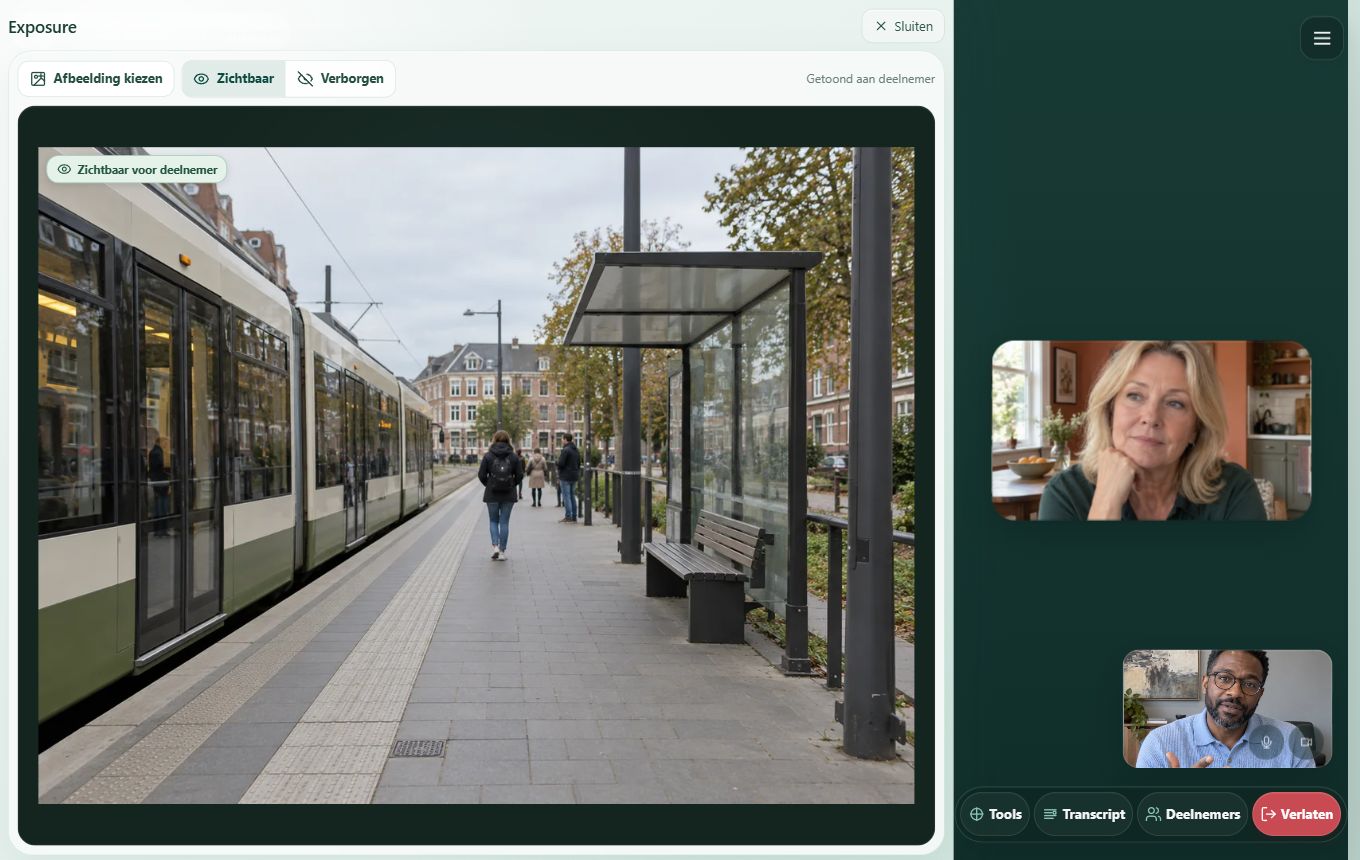
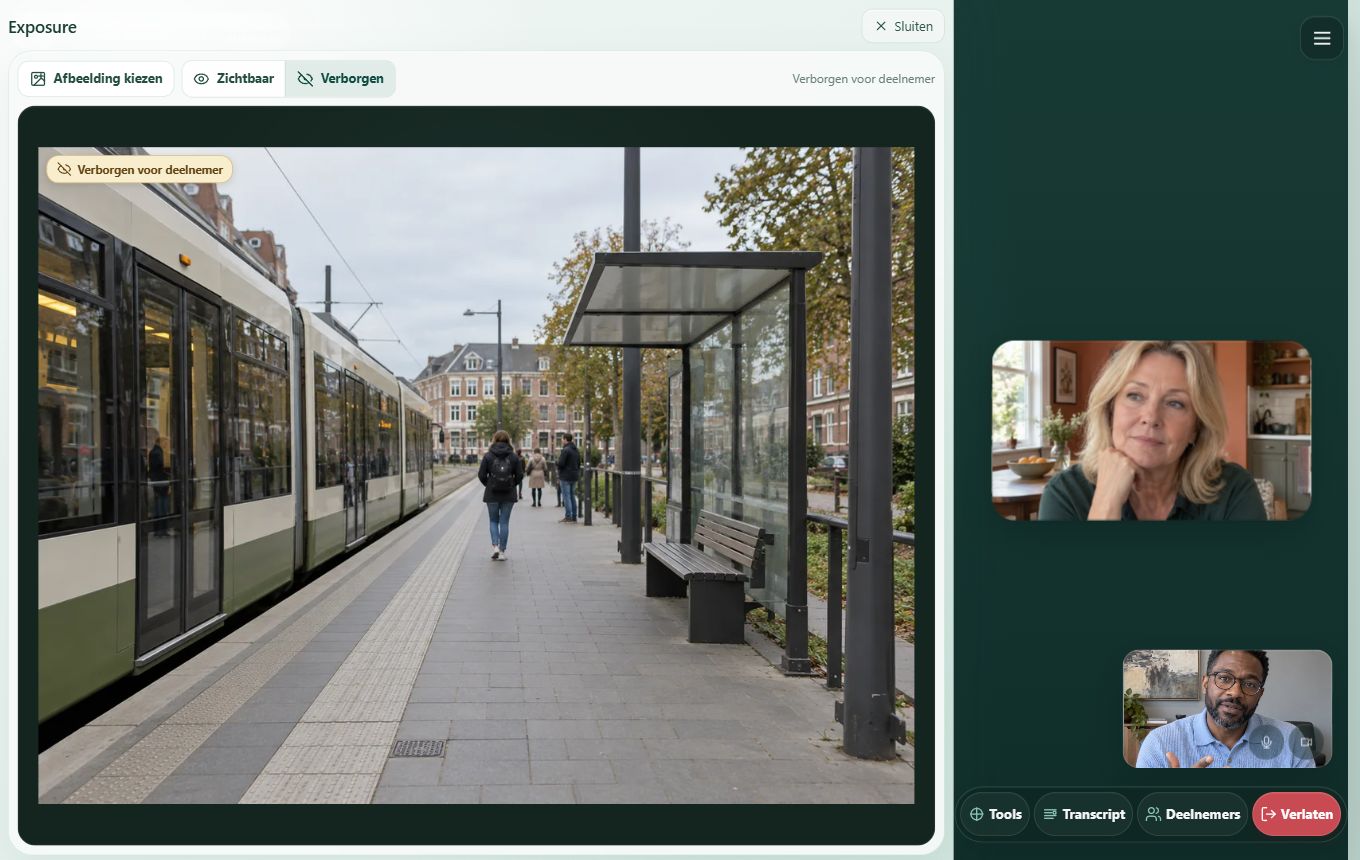
Exposure
Choose your own images for an exposure exercise. Show an image on your client’s screen and hide it whenever you want.
- Choose your own image
- Show or hide with one click
- Check what is visible to your client
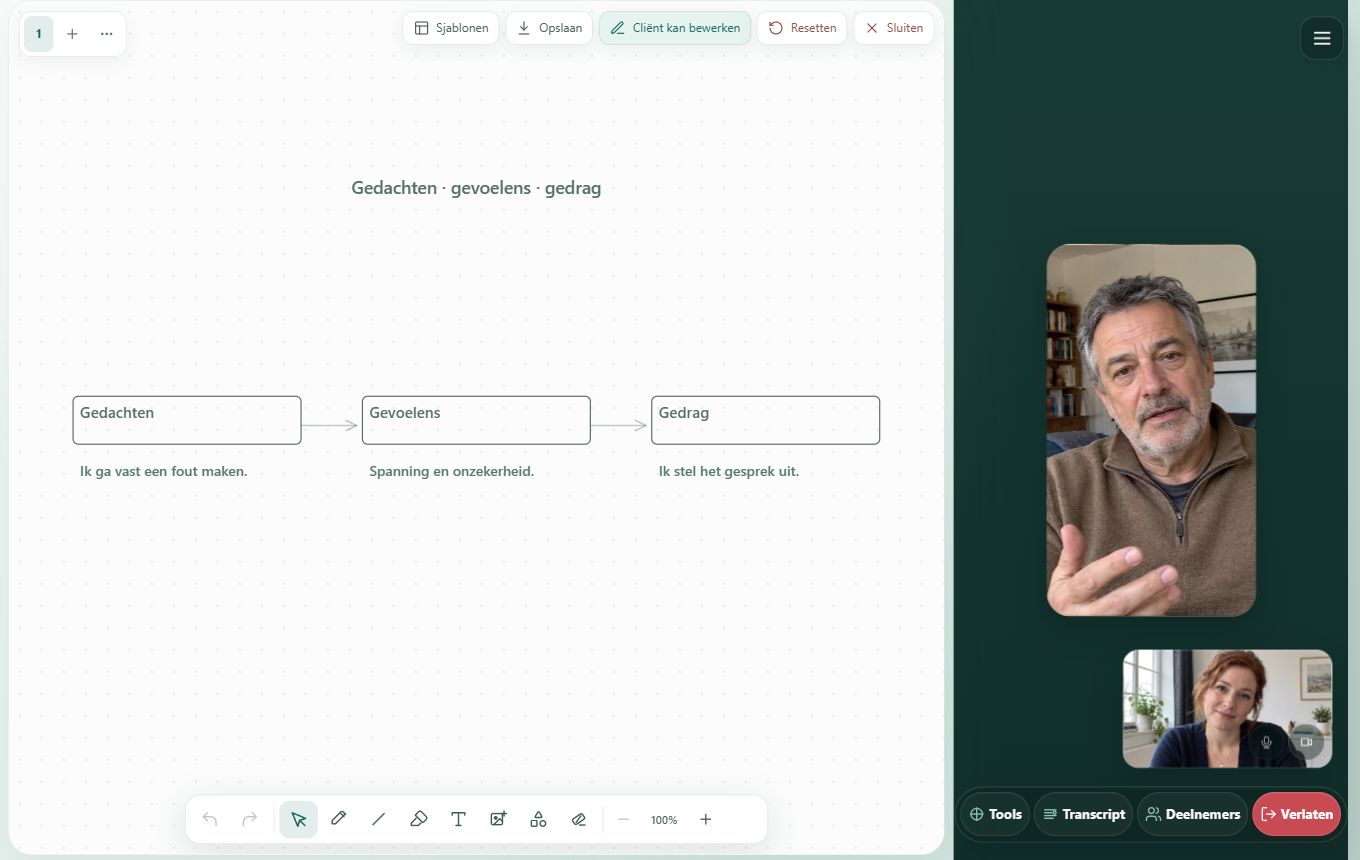
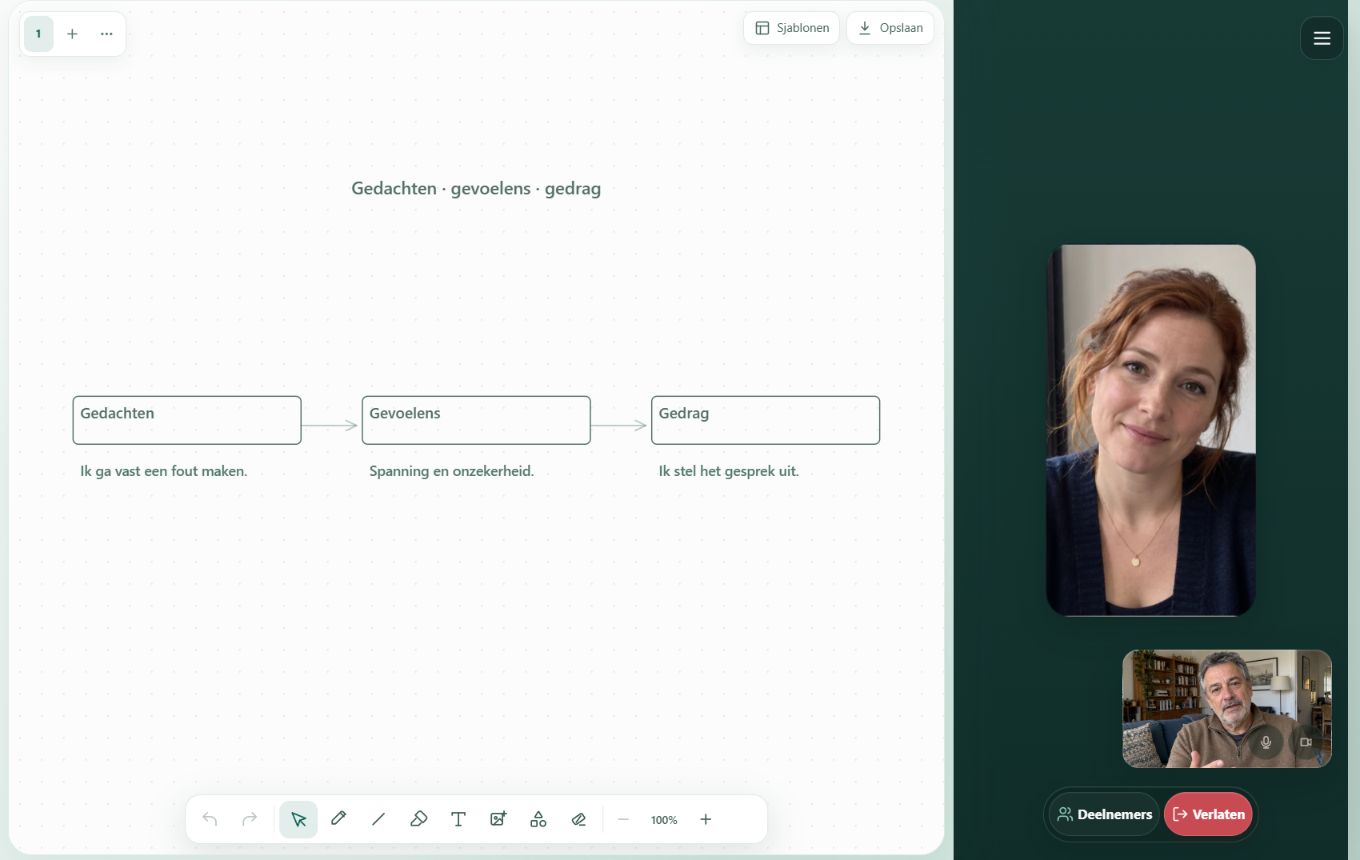
Drawing board
Give thoughts and feelings a place on a shared drawing board. Draw, write or start with a template, or a blank canvas.
- Draw together when the therapist allows it
- Text, images and multiple pages
- Save a board or share it later
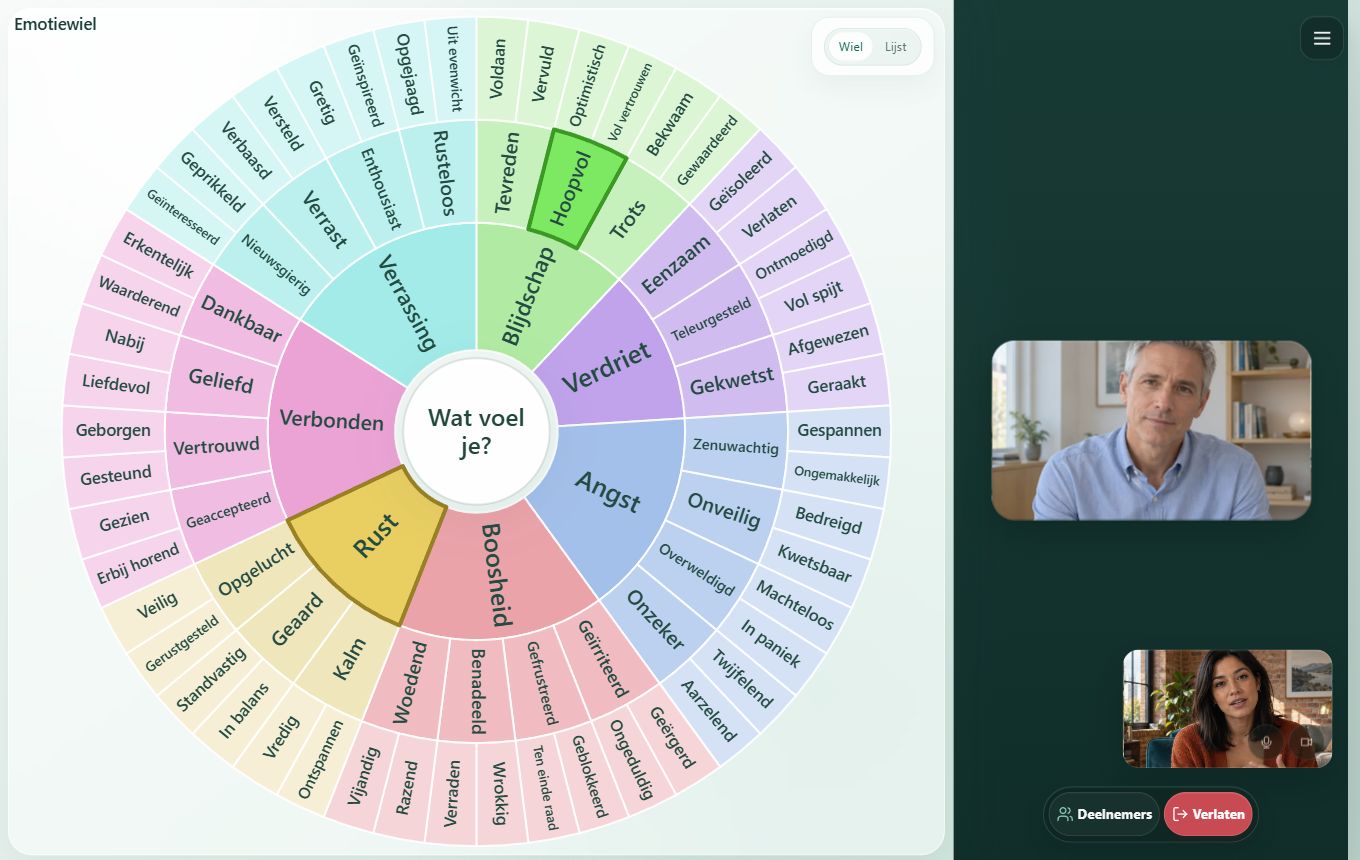
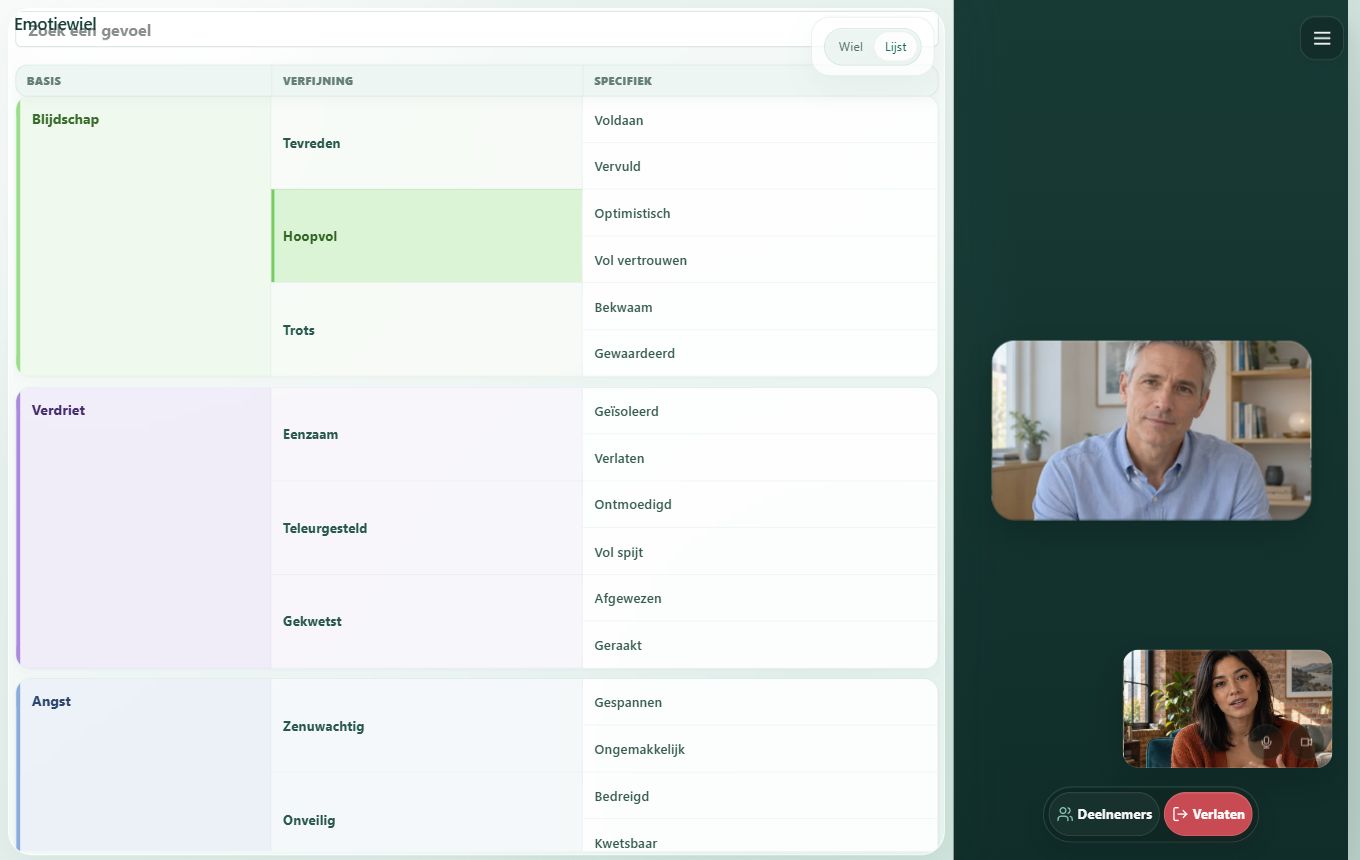
Emotion wheel
Explore feelings together. The client chooses one or more emotions; the therapist sees the selection immediately and can ask more about it.
- Explore from a basic feeling to a more precise emotion
- Choose several feelings at once
- Use a wheel or a searchable list
Put a name to your feelings.
Choose what you feel. Explore the layers, from joy to hopeful, for example.
Good to know
A few practical answers before your first session.
Who opens and controls the tools?
The therapist chooses which tool to open and controls bilateral stimulation and exposure. Clients can draw on the board when allowed and choose their own feelings in the emotion wheel.
Does my client need to install anything?
No. The tools work in the Canvasara session in your browser.
Is everything saved automatically?
No. Video calls are not recorded. Live tool content is stored temporarily for synchronisation and recovery from connection problems. You can explicitly save or share a drawing board; sharing stores the file temporarily on Canvasara.
Can I switch tools during a session?
Yes. Choose another tool from the tool menu. You stay in the same session.
Do the tools work on mobile?
Yes. The tools adapt to your screen. A tablet or computer is more comfortable for drawing or viewing details.